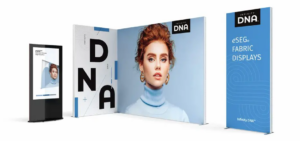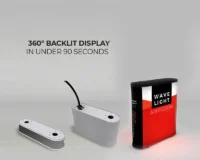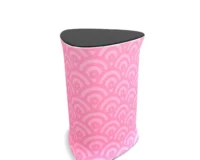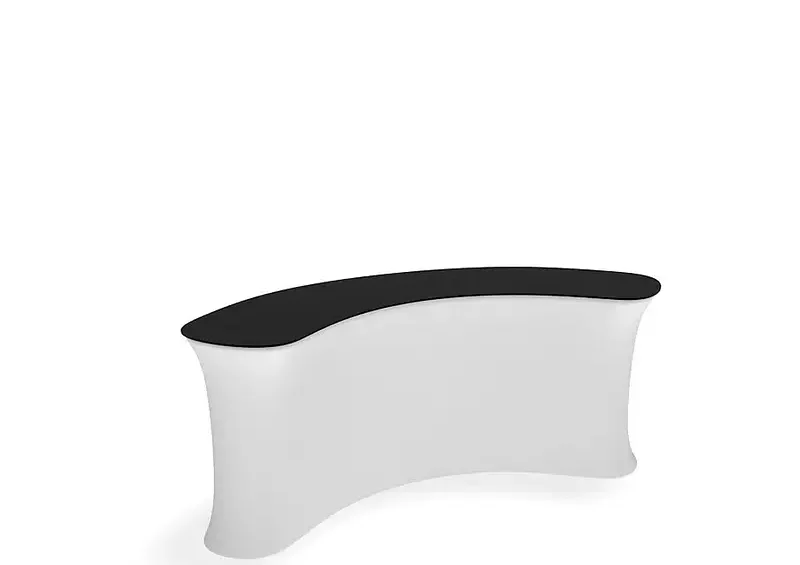
Incorporating WaveLine InfoDesks into your trade show booth can significantly improve visitor engagement and the overall visitor experience when planned carefully. This article explains how to use these counters effectively, from layout and technology to measurement, so your team can make informed exhibiting decisions. By understanding design, functionality, and data capture, you can create a reception point that feels professional, approachable, and purposeful rather than just decorative.
Designing effective WaveLine InfoDesks
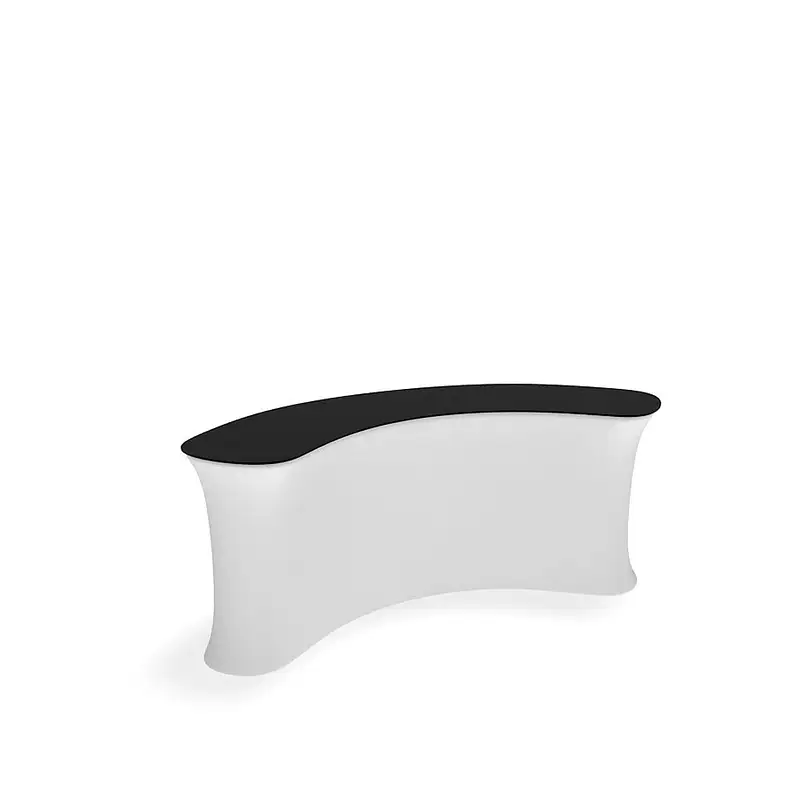
The design and layout of WaveLine InfoDesks should support clear visitor flow and visibility. Position your desk near the entrance or along main aisles so it functions as one of your primary trade show reception desks. Ensure graphics, colours, and messaging are consistent with your stand design to strengthen brand recognition. Consider how the curved shape and footprint work with other custom display counters, ensuring there is enough space for queues and conversations without blocking neighbouring exhibitors.
Functionality and storage considerations
Beyond looks, your information point must work smoothly for staff and visitors. Integrating touchscreens or tablets turns static counters into portable information kiosks that allow guests to browse content at their own pace. Built-in shelves or cupboards help keep marketing materials, giveaways, and personal belongings out of sight but close at hand. When planning, list everything the team needs at arm’s reach, and check that the chosen counter range offers sufficient storage and robust worktops for daily use.
Engaging visitors professionally
Your staff and surface content determine how welcoming your desk feels. Train team members to greet visitors proactively, answer questions clearly, and direct people to demonstrations or meeting areas. Arrange brochures and flyers neatly on fabric display reception desks so information is easy to browse without cluttering the surface. For brands offering samples or demonstrations, portable branded sampling stations can be positioned beside the main desk to handle higher footfall and reduce congestion.
Integrating technology and capturing data
Technology can transform simple counters into powerful portable trade show kiosks. Use digital screens to loop short videos, product explainers, or client testimonials that attract attention from the aisle. Lead capture tools such as QR codes and tablet forms help your team record visitor details quickly and accurately, reducing lost business cards. For exhibitors who attend multiple events, tension fabric info counters and other modular exhibition counters can be reused with updated graphics, supporting both sustainability and consistent branding.
To understand whether your WaveLine® InfoDesks are performing well, establish basic metrics before the event, such as the number of conversations, scanned leads, and brochure requests. Simple analytics tools can track dwell time near screens or interactive elements, while short feedback forms reveal what visitors found helpful or confusing. After the show, compare results between different lightweight branded counters or tool-free exhibition counters to refine layouts and staffing levels. If you are planning your next stand, consider how reusable event display furniture can support a more efficient and educational visitor journey. To explore practical options and ask detailed questions, speak with an exhibition specialist who can guide you through designs, accessories, and set-up approaches tailored to your objectives.