Step-by-Step Guide to Assembling OneFabric Pop-Up Banners Effortlessly
Introduction: OneFabric Pop-Up Banners deliver a fast, professional display solution for exhibitors and event teams. Clear assembly steps and a lightweight, modular frame make setup straightforward, and consequently you can spend less time building displays and more time engaging attendees. This guide focuses on the product itself, so you can quickly learn what to expect, how to assemble, and why this banner system improves your event workflow.
General information
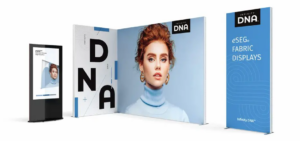
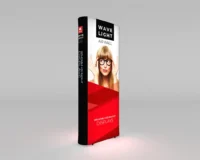
OneFabric Pop-Up Banners are designed as all-in-one portable displays that balance visual impact with simplicity. They arrive as compact kits, and therefore they are ideal for trade shows, retail pop-ups, and corporate events. Additionally, the fabric graphics provide a crease-free finish, while the frame supports consistent tension to keep the print looking sharp throughout the event.
Specifications
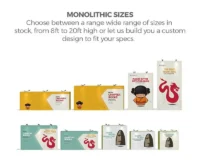
The banner system is available in multiple standard widths and heights to fit common booth sizes. Furthermore, the lightweight aluminum frame reduces transport weight, and durable carry cases protect components during transit. Typical specs include collapsible frame dimensions, full-bleed fabric panels, and secure fastening points, all engineered to simplify repeat setup and pack down.
Components
The kit contains a pop-up frame, printed fabric graphic, connector clips, and a padded carry case. Moreover, certain models include stabilizing feet and quick-lock mechanisms for added rigidity. Each component snaps or slides into place without specialized tools, and as a result even first-time users can assemble a professional display quickly.
Design features
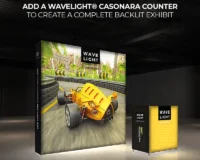
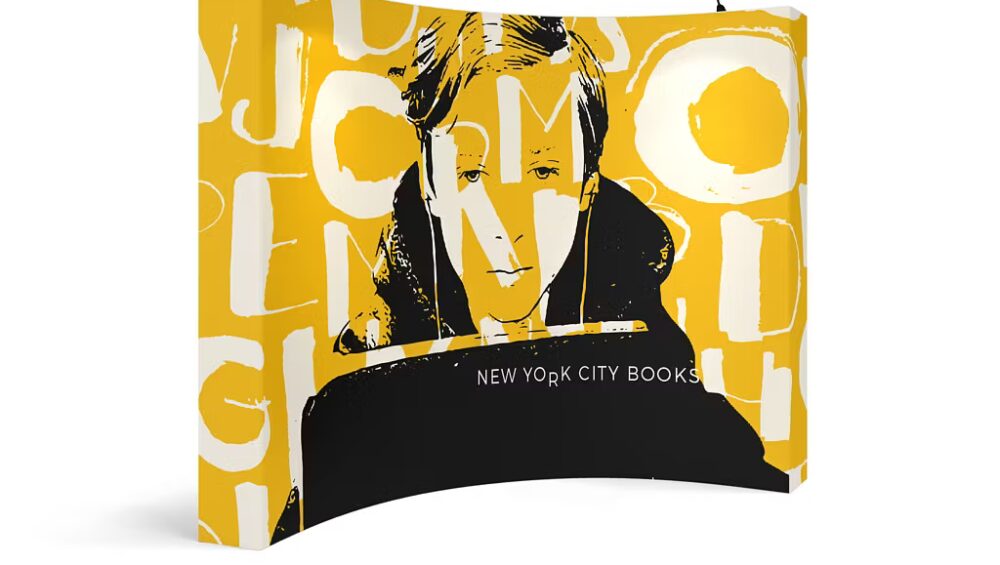
The OneFabric system emphasizes seamless graphics, visible branding, and clean lines. Because the fabric fits over the frame like a sleeve, the printed surface remains smooth and vibrant. In addition, the frame’s geometry allows for curved and straight configurations, so you can choose a profile that matches your booth layout and visual goals.
Portability and setup process
Portability is a core benefit, as the frame collapses compactly and stores in the included case. Therefore you can move the entire kit between venues with minimal effort. For setup, begin by unpacking components and laying them out, then expand the pop-up frame until it locks, and next slide the fabric graphic over the frame, aligning panels as needed. Finally, secure connectors and make minor adjustments to ensure tension. Because the process requires no tools and follows predictable steps, average setup time is short and repeatable.
Use cases
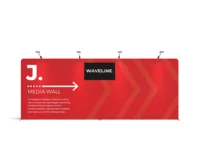
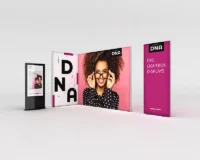
OneFabric Pop-Up Banners perform well in a range of event environments. For trade shows, they create a polished backdrop that highlights messaging and product visuals. For retail activations, they form attractive window displays or in-store promotions. For conferences, they deliver a branded presence in registration areas and breakout rooms. Additionally, because multiple panels can be combined, you can scale your display to suit larger spaces without sacrificing assembly speed.
Product highlights and advantages
Key advantages include quick assembly, modular scalability, lightweight transportability, and a professional graphic finish. Furthermore, consistent alignment and secure connections reduce the need for on-site adjustments, and therefore your team can focus on engagement rather than troubleshooting. To review the official product page and see available configurations, view OneFabric Pop-Up Banners.
Conclusion
In summary, OneFabric Pop-Up Banners combine efficient assembly with high-quality visual results. Because the system is engineered for repeatable, tool-free setup, it lowers setup time and operational stress. Therefore exhibitors gain a reliable, portable display that scales to different booth sizes while maintaining a professional appearance. When you need a display that sets up effortlessly and looks exceptional, OneFabric Pop-Up Banners deliver the performance and convenience your team requires.